Design custom labels & templates and mail merge data with drag-and-drop simplicity
Launch EditorNo signup required • Free • Export to PDF
Everything you need to create stunning custom labels, from simple tags to complex mail merge templates

Intuitive visual editor with drag-and-drop functionality. Add text, images, shapes, and QR codes with ease. Precisely position elements with pixel-perfect control using guides and alignment tools. No design experience required.
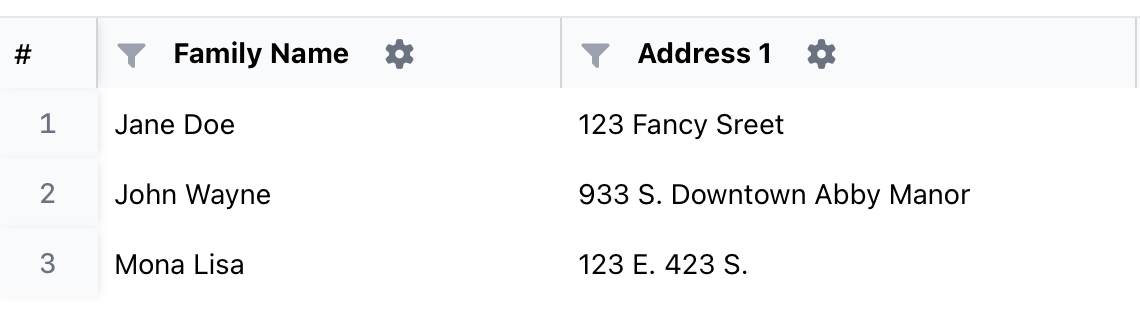
Create dynamic templates that automatically populate with your data. Import CSV files or paste data directly from spreadsheets. Bind variables to any design element and generate hundreds of personalized labels in seconds. Perfect for bulk mailings, name tags, and product labels.
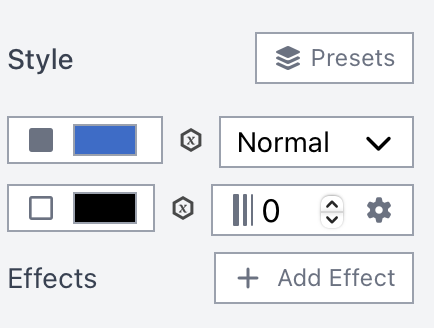
Access a complete suite of design tools including custom fonts, gradient fills, borders, shadows, and opacity controls. Use the pen tool to create custom shapes and paths. Import your own images or search millions of free stock photos directly in the editor.
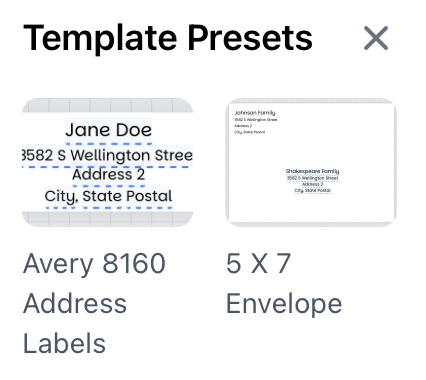
Start quickly with professionally designed templates for popular label sizes including Avery 5160, 5163, 5164, and more. Templates are fully customizable and include preset layouts for address labels, shipping labels, name badges, and product labels. Save your own custom templates for reuse.
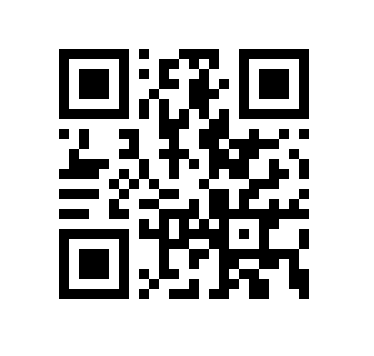
Built-in QR code generator lets you add scannable codes to any label. Create QR codes for URLs, contact information, WiFi credentials, or plain text. Customize size and positioning. Perfect for product packaging, event tickets, and business cards.
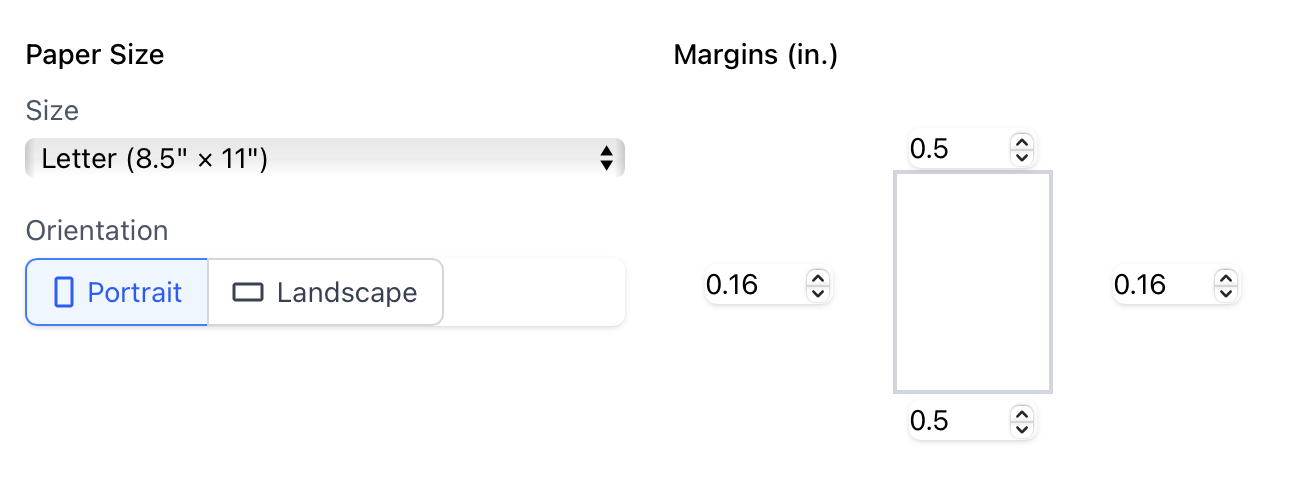
Export your labels as high-quality PDF files ready for printing. Choose print settings, page margins, and orientation. Preview before export to ensure perfect results. PDFs are print-ready and compatible with any printer. No watermarks, no limitations.
Save your work locally as .perlabel files and load them anytime. No account required, no cloud storage—your data stays on your device. Share templates with colleagues or clients. Perfect for creating reusable label designs and brand consistency.
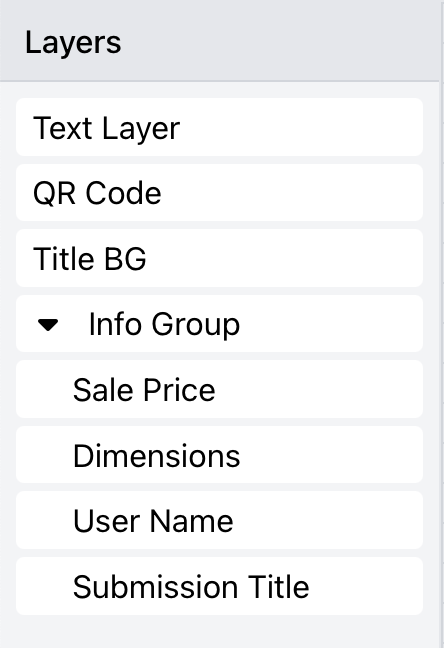
Organize complex designs with powerful layer controls. Group elements together, lock layers to prevent accidental changes, and adjust stacking order. Show/hide layers for cleaner editing. Duplicate and distribute elements with precision.
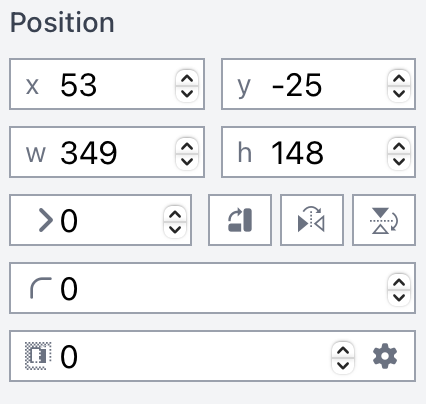
Fine-tune every aspect of your design with precise numeric inputs. Set exact dimensions, positions, rotation angles, and spacing. Use rulers and guides for perfect alignment. Snap to grid for consistent layouts. Professional results every time.
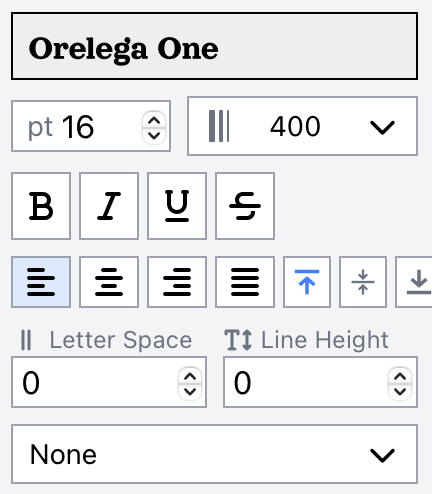
Access Google Fonts library with hundreds of free professional fonts. Apply custom font families, sizes, weights, and styles to any text element. Control letter spacing, line height, and text alignment. Create stunning typography that matches your brand perfectly.
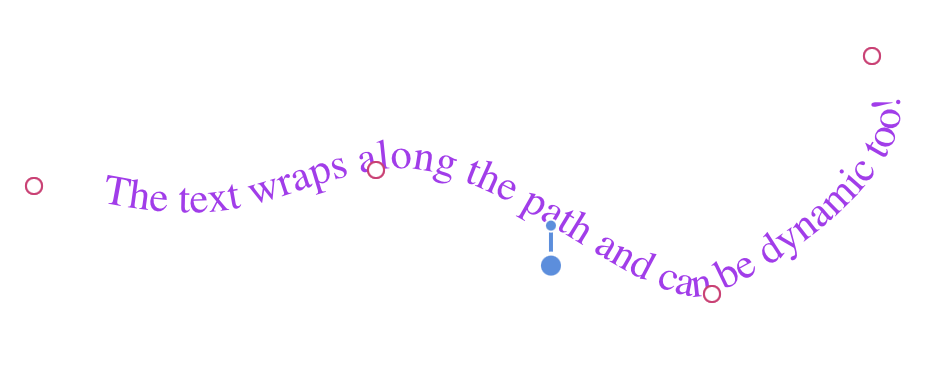
Flow text along custom curves and paths for eye-catching circular labels, curved text, and artistic designs. Draw any path with the pen tool and attach text to follow its shape. Perfect for badges, seals, logos, and decorative labels. Adjust spacing and orientation with ease.
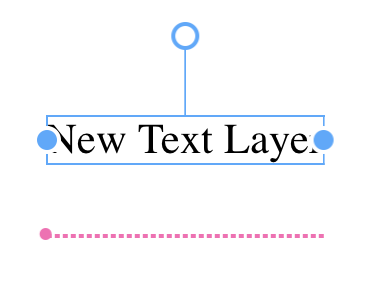
Smart text boxes that automatically resize to fit your content. Never worry about overset text or clipped content again. Text automatically adjusts font size to fit within defined boundaries, perfect for variable-length data like names and addresses. Set minimum and maximum font sizes for optimal readability.
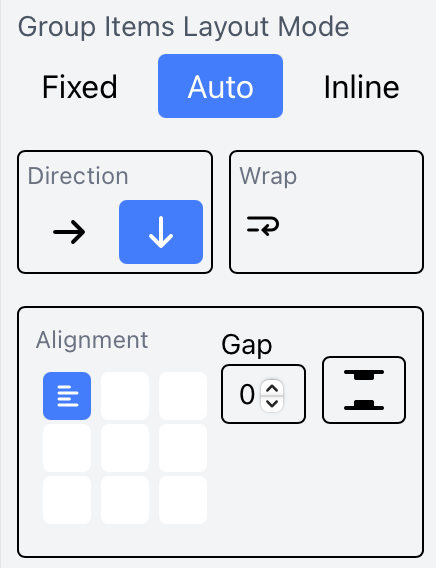
Intelligent layout engine automatically arranges multiple labels on a page with perfect spacing and alignment. Set up flow options for continuous printing across multiple pages. Configure margins, gutters, and page breaks. Ideal for sheet labels, roll labels, and multi-up printing. Eliminates manual positioning.
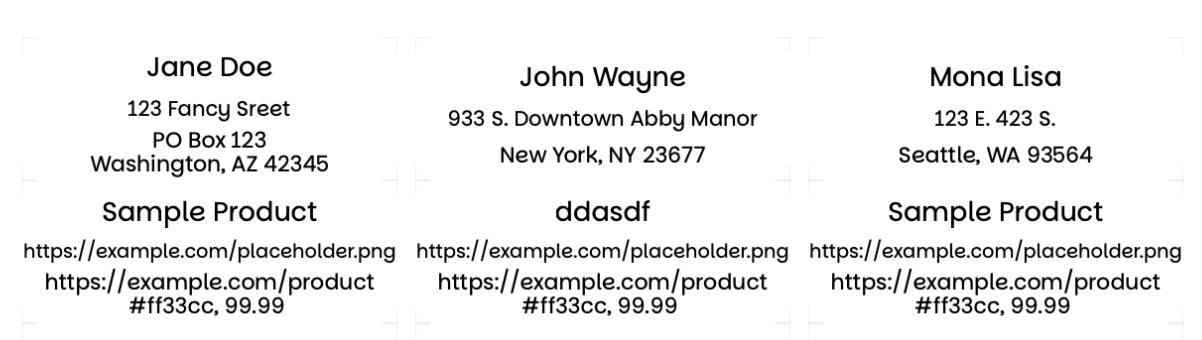
Export with intelligent auto-packing that optimally arranges labels on standard or custom sheet sizes. Choose from preset label sheet formats (Avery, etc.) or define your own grid. The packing engine maximizes space utilization and minimizes waste. Custom arrangement options let you manually position specific labels or apply custom spacing rules. Perfect for odd-sized sheets or special printing requirements.
Start designing professional labels in seconds—no signup required
Launch Editor Now